Designing Intuitive On-Device Interfaces for App-Independent Wearables

Today we explore how to design intuitive on-device interfaces for app-independent wearables, building experiences that are glanceable, reliable, and delightful even without a nearby phone. We’ll blend practical patterns, measured constraints, and real-world stories about motion, sweat, glare, and interruptions. Expect actionable guidance on flows that finish in seconds, haptics that speak clearly, and power budgets that stay friendly. Subscribe, ask questions, and share your own wins or stumbles; together we’ll shape more humane, confident interactions that live comfortably on the wrist and quietly help people get back to what matters.

Glanceable Information Architecture

Design for glances, not sessions. Start with the single most helpful fact per screen, then layer secondary actions behind simple, predictable gestures. Favor short, linear paths over nested menus, and ensure every decision reduces cognitive load during movement, distraction, or bright sunlight.

Input Modalities that Respect Motion
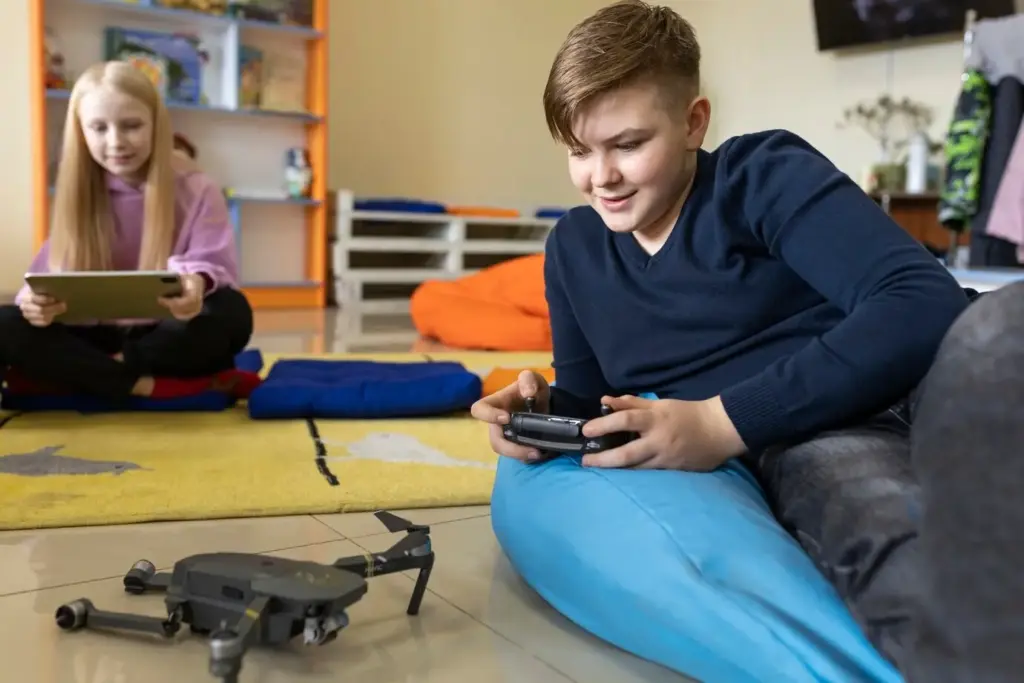
Hands shake, wrists twist, voices meet wind and traffic. Treat input as situational, combining touch, hardware controls, haptics, and voice with considerate fallbacks. Design safe zones, confirm high-risk actions, and keep gestures learnable, forgiving, and discoverable without tooltips or manuals.

Navigation Without a Phone

Build journeys that remain useful offline. Keep structure shallow, highlight the current place with persistent cues, and make recovery effortless after interruptions. Sync silently in the background, but never hide states; people deserve clear signals when content is fresh, pending, or outdated.

Performance, Power, and Perception

Small batteries and tiny CPUs demand ruthless focus. Profile real devices, set budgets for rendering and network work, and prefer local computation over chatty requests. Perceived speed matters too; fast feedback and gentle progress cues maintain confidence even when tasks legitimately take time.

Readable typography and adaptable layouts

Choose typefaces with open forms and sturdy strokes, then allow dynamic sizing without truncating meaning. Avoid walls of text; prefer short lines and clear hierarchy. Let components reflow gracefully when the wrist rotates, sleeves interfere, or accessibility settings increase scale dramatically.

Non-visual feedback that truly informs

Not everyone can look at tiny pixels. Provide spoken hints, rich haptic patterns, and subtle tones that convey status, urgency, and direction. Ensure redundant cues support each other, and give users control over intensity, verbosity, and quiet hours to respect context and comfort.

Designing for diverse hands, wrists, and contexts

Straps, tattoos, gloves, and mobility differ. Offer left-hand modes, customizable buttons, and adjustable gesture sensitivity. Consider cultural norms for haptics and sounds. Validate reach, grip, and readability with older adults, athletes, and people with limited dexterity to ensure fairness and dignity.

Prototyping and Testing in Motion

Great ideas collapse if they only work at desks. Prototype on devices early, then test while walking, climbing stairs, or waiting in line. Use Wizard-of-Oz shortcuts, rapid iteration, and diary studies to reveal friction that lab scripts and static mocks miss.

Stories from the Field

Practical lessons emerge when prototypes meet sweat and schedules. We rebuilt an offline workout timer to run independent of a phone, cut steps by half, and doubled clarity with smarter defaults. Along the way, mistakes taught humility, and tiny details transformed everyday confidence.
Lizofezikixoku
Privacy Overview

This website uses cookies so that we can provide you with the best user experience possible. Cookie information is stored in your browser and performs functions such as recognising you when you return to our website and helping our team to understand which sections of the website you find most interesting and useful.